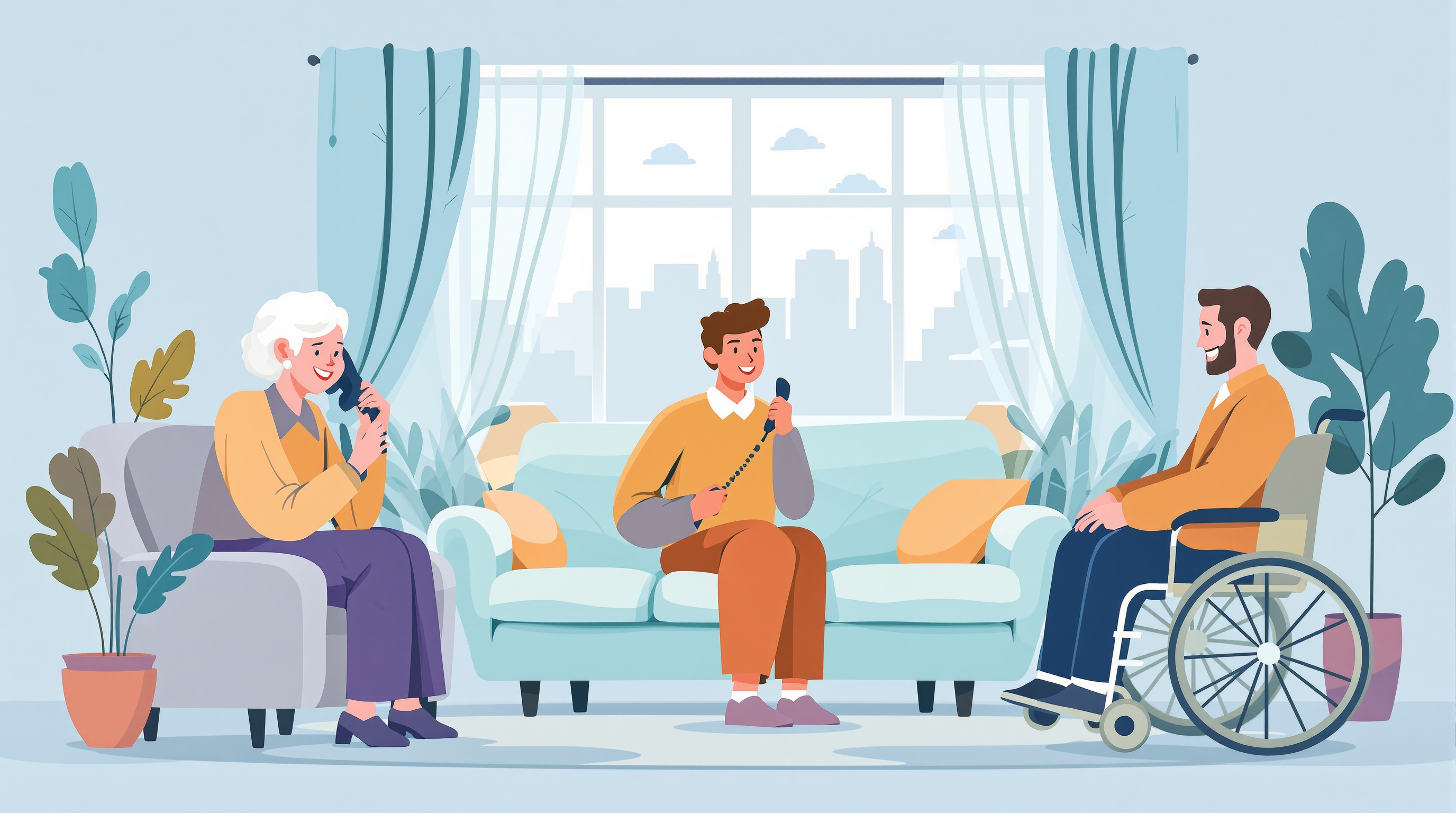
Picture the caller your phone system quietly loses. She is 74, she ran her own small practice for decades, and she is calling your clinic to move an appointment. The line picks up and a recorded voice starts firing options: press 1 for this, press 2 for that, for everything else press 9. By the third menu she has forgotten the first option, the prompt has already moved on, and she hangs up to try again later. She is not confused. The system simply was not built for the way she hears and works through a phone call.
Now multiply her by the share of your customers who live with a hearing loss, a speech difference, a cognitive disability, or simply did not grow up pressing buttons on a touch-tone phone. According to Statistics Canada's 2022 Canadian Survey on Disability, about 27% of Canadians aged 15 and older, roughly eight million people, live with at least one disability, and that share keeps rising as the population ages. A phone line that only works for fast, confident, menu-savvy callers is leaving a lot of real business on the table.
Here is the part most owners miss: a well-configured AI voice agent is one of the most practical ways to build an accessible business phone line, and it does not need a consultant or a six-figure budget. This is how to do it, step by step.
First, know who actually struggles with your phone
Accessibility is not one single thing, so it helps to picture the specific people a standard phone setup leaves behind:
- Older callers, who may need a moment longer to respond and find rapid-fire menus genuinely hard to follow.
- People who are deaf or hard of hearing, who often rely on relay services or prefer not to be rushed through a noisy, compressed audio menu.
- People with speech differences, from a stutter to a post-stroke or ALS-affected voice, who get cut off by impatient systems and impatient humans alike.
- People with cognitive or learning disabilities, or anyone anxious on the phone, for whom a five-option menu with sub-menus is simply too much to hold in mind.
- People who are blind or have low vision, who cannot read a number flashed on a screen and need information spoken clearly and repeated on request.
These groups overlap, and together they make up a meaningful slice of any customer base in Canada, from Victoria to St. John's. Designing for them does not make the line worse for everyone else. It makes it better for everyone, including the harried parent calling with a toddler on one hip.
Why the old phone menu is the real barrier
The classic IVR phone tree forces one specific interaction: listen fast, remember the options, press the right digit, then do it again on the next menu. That is close to the opposite of accessible. It assumes sharp hearing, quick recall, steady fingers, and the patience to restart when you guess wrong. A caller who needs any accommodation hits a wall before they ever reach a person. We go deeper on this in our comparison of AI voice agents versus the old IVR phone menu, but the short version is that the menu itself is often the problem you are trying to solve.
How to make the line accessible, step by step
An AI voice agent changes the interaction from "navigate my system" to "tell me what you need." That shift is where the accessibility gains come from. Here is how to configure it deliberately rather than hoping it works out of the box.
1. Let people speak in their own words
Turn off the digit menus and let the agent open with a plain question: "Hi, how can I help you today?" A caller can say "I need to move my Thursday appointment" in whatever words come naturally, including a halting or non-standard delivery. No memorizing options, no pressing, no restarting. This single change does more for accessibility than any other setting.
2. Build in patience, by design
Set the agent to wait a beat longer before assuming the caller is done talking, so someone who speaks slowly or pauses to gather a thought is not cut off. Make sure it can repeat information on request, slow down, and confirm what it heard ("So that's the Thursday 2 p.m. appointment, moving to Friday, correct?") without a trace of impatience. A good agent never sighs.
3. Meet callers in their language, automatically
For many Canadians, the accessibility barrier is language, not disability. An agent that answers in French and English on every call, and can be extended to the other languages your community actually speaks, removes a barrier a single human operator rarely can. We cover this in detail in our piece on multilingual AI voice agents and Canadian accents.
4. Always offer an easy path to a human
Accessibility is not about forcing everyone through the AI. Some callers will need, or simply prefer, a person, and that has to be one clear sentence away: "I can connect you with someone, would that help?" A respectful, reliable handoff is itself an accessibility feature. Our guide on transferring an AI call to a human walks through how to set this up so no one gets stuck.
5. Follow up in writing
Plenty of people process written text more reliably than a spoken instruction, especially for a confirmation number, an address, or a date. Configure the agent to send a quick text or email summary after the call. For a deaf or hard-of-hearing caller using a relay service, that written record is not a nicety, it is the whole point.
Where Canadian accessibility expectations are heading
This is not only good manners, it is the direction the country is moving. The federal Accessible Canada Act sets a goal of a barrier-free Canada and binds federally regulated organizations, while provinces have their own frameworks, from Ontario's AODA to accessibility legislation in Manitoba, British Columbia, Nova Scotia, and beyond. Even where a specific statute does not yet apply to your business, the expectation from customers, and increasingly from regulators, is that service should be usable by everyone. Statistics Canada's own reporting shows the disability rate climbing as the population ages, so this is a growing audience, not a shrinking one. If you want the underlying principles, the W3C's introduction to accessibility is a clear, vendor-neutral starting point.
What "accessible" should actually sound like
The difference is easy to hear. The inaccessible version makes the caller do the work: a wall of menu options, a timer counting down, a dead end if they hesitate. The accessible version opens with a simple question, waits, listens to plain speech, repeats and confirms calmly, offers a human the moment it senses friction, and ends by sending a written summary. Picture a caller who stumbles on the first word: the inaccessible menu times out and dumps them back to the start, while a patient agent simply waits, then says, "Take your time, I am listening." Same technology, completely different experience, and the second one keeps the customer.
A 10-minute accessibility check you can run this week
You do not need an audit firm to start. Call your own line and go through this list:
- Can you get help by speaking naturally, without pressing a single number?
- If you pause for five seconds, does the system wait, or cut you off?
- Can you ask it to repeat or slow down, and does it?
- Is a human one clear request away?
- Does the call serve French and English callers equally?
- Do you get a written confirmation afterward?
Every "no" on that list is a customer you are quietly turning away. Every "yes" is a door you have opened.
Common questions
Doesn't an AI agent make things harder for people with disabilities, not easier? A badly built one can. A thoughtfully configured one that accepts natural speech, waits patiently, and hands off to a human on request is usually far more accessible than a rigid press-the-number menu.
What about callers who use a TTY or relay service? Treat a reliable human handoff and a written follow-up as non-negotiable settings. Those two features cover the most common relay scenarios, and you should test them directly.
Is this a legal requirement for my business? It depends on your size, sector, and province, and this is not legal advice. But the trend across Canada is toward broader accessibility obligations, and building for it now is cheaper than retrofitting later.
Will it slow down my other callers? No. Natural-speech answering is usually faster for everyone, because people skip the menu entirely and just say what they need.
Accessibility on the phone is not a charity project. It is a straightforward way to stop losing customers you never knew you were losing, and to treat every caller, regardless of age or ability, with a bit of respect. A well-built AI voice agent gets you most of the way there in an afternoon of careful setup.
AgentiaVocal builds bilingual AI voice agents for Canadian businesses that want a phone line every customer can actually use, in English and French, at any hour, with a human always within reach.