
The Busiest Week of Your Year Shouldn't Be the One You Dread
First real cold snap of the season. A furnace quits in a Winnipeg bungalow at 6 a.m., and the homeowner starts dialing every heating company on the first page of Google. By the time your technician listens to that voicemail at 9, three competitors have already picked up — live, on the first ring — and one of them booked the job.
That story repeats itself in some form every year, in every corner of the country: the HVAC shop in Calgary during the first freeze, the accountant in Halifax the week before a tax deadline, the florist in Toronto two days before Valentine's Day, the landscaper in Vancouver when the sun finally shows up. The work is there. The calls are there. The question is whether anyone answers them.
This guide walks you through setting up an AI voice agent for seasonal call surges — step by step, in plain language — so your next busy stretch captures the extra business instead of leaking it to whoever answered faster. Here's the honest part: busy season isn't your problem. Missing calls during busy season is. And that's a fixable thing. With the integrations handled for you, most businesses are ready in well under an afternoon.
What You'll Need Before Peak Season Hits
You don't need much, and you don't need to be technical. Gather four things: a rough sense of when your phones actually spike (last year's calendar, or just your gut), the booking tool or calendar you already use, a short list of the five to ten questions callers ask you most, and your current phone number and setup. That's it.
The setup itself is not self-service — our team at Agent IA Vocal wires it into your phone line, your calendar and your CRM for you. Your job is the part only you can do: telling us how your season behaves and what a good call sounds like.
Step 1 — Map Your Real Surge Calendar
Most advice about high call volume assumes you already have a call center and a forecasting team. You don't, and you don't need one. You just need to know when the wave comes.
Pull out a calendar and mark your real surge windows. For the trades, it's the first hard freeze, snow-removal season across the Prairies and Ontario, the spring air-conditioning rush, and the day after every big storm. For accountants and bookkeepers, it clusters around the Canada Revenue Agency's filing deadlines — April 30 for most individuals, June 15 for the self-employed. For retail and hospitality, it's the long ramp from Black Friday through Boxing Day, when Statistics Canada consistently records the year's heaviest sales. Weddings, back-to-school, moving season on July 1 — every industry has its own rhythm.
Write down your top three windows and roughly how much your call volume jumps in each. You're not building a spreadsheet model. You're answering one question: when do you lose the most calls, and why? Once you can name those weeks, everything after this gets easy.

A seasonal call-surge calendar for Canadian businesses
Step 2 — Decide Which Calls the AI Takes First
Here's where people overthink it. You don't have to choose between a human and a machine answering every call. You decide which calls fall through today, and you hand those to the AI.
For most businesses there are three leaks. Overflow: a customer calls while your one receptionist is already on another line. After-hours: the phone rings at 7 p.m. or on a Sunday. And simultaneous callers during a surge, when four people dial in the same ten minutes. A good AI voice agent picks up all of them without blinking — it can hold several conversations at once, which we broke down in our guide on how many calls your business can answer at the same time.
The rule of thumb: let the AI handle the routine and the bookable — hours, pricing, availability, appointment scheduling, taking a message — and set it to transfer the genuinely complex or sensitive calls to a human the moment it's needed. You're not replacing your front desk. You're making sure the fifth caller gets the same welcome as the first.
Step 3 — Route Overflow and After-Hours Across Your Time Zones
Canada runs on six time zones, and this trips up more businesses than you'd think. Newfoundland sits half an hour ahead of the Atlantic provinces at UTC-3:30, and Saskatchewan doesn't observe daylight time at all. A caller in Halifax is already an hour into their morning while Toronto is still waking up; a West Coast customer is calling your Ontario office long after you've gone home.
So set your routing by where your callers are, not just where you are. The agent should know your real local hours per region, answer the moment your team can't, and either book the appointment directly or capture a callback with a promised time. If you serve customers coast to coast, this is the difference between 'available 9 to 5 Eastern' and 'available when my customers actually call.'
This same routing logic is what keeps you from losing calls when every line is lit up at once — the overflow plan we lay out in our piece on how to stop losing calls when all your lines are busy plugs straight into your surge calendar.
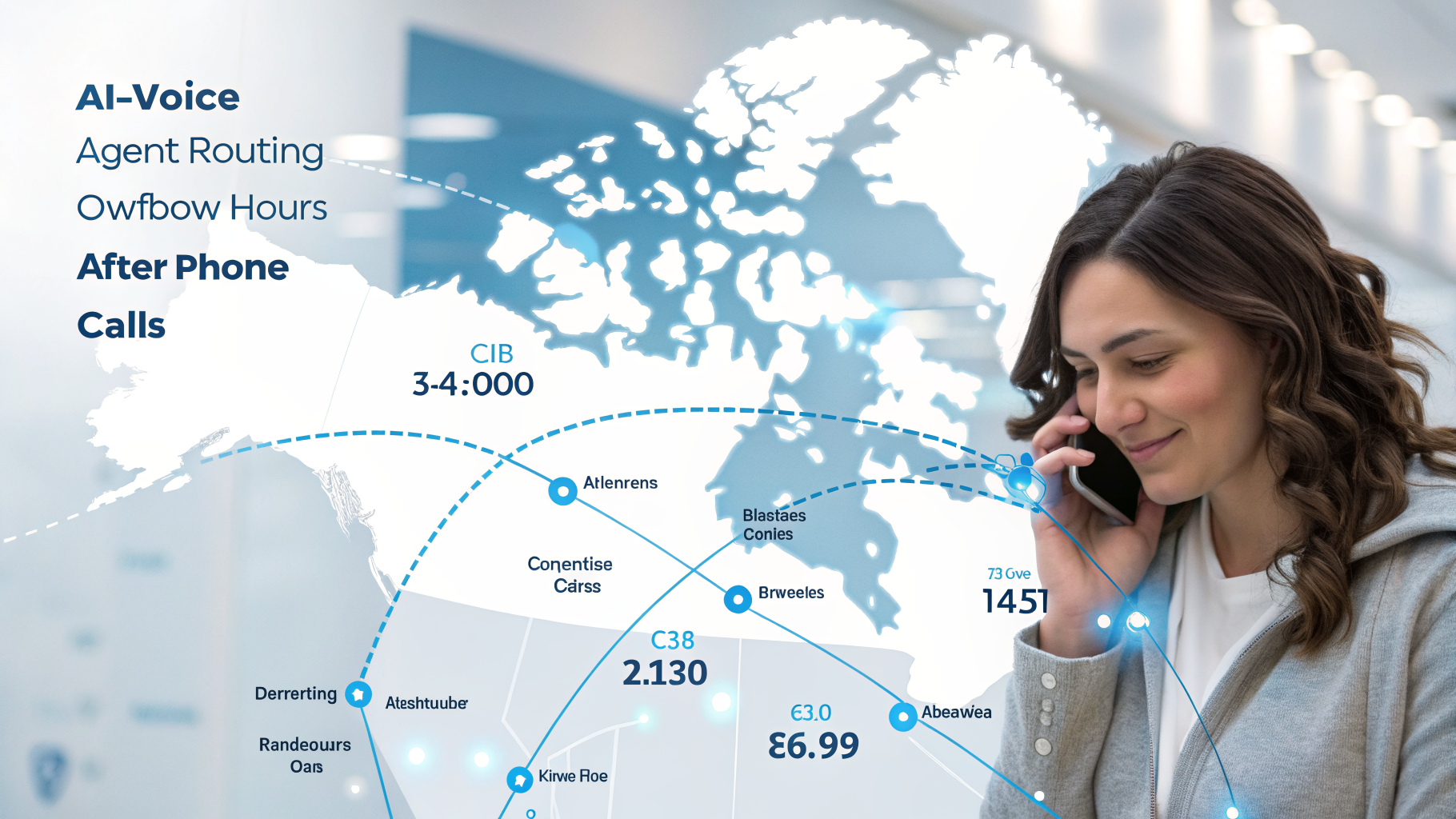
AI voice agent routing overflow and after-hours calls across time zones
Step 4 — Script the Surge Conversations
Now the fun part: deciding what the agent actually says. Keep it short and human. A warm greeting with your business name, answers to those five-to-ten common questions from Step 1, a clean booking flow, and a way to take a message or a callback when needed.
Two things matter more than people expect. First, language. In bilingual and multilingual markets — which is most Canadian cities — the agent should greet callers and continue in the language they're comfortable in, English or French, and switch if the caller does. Second, consent. If you want the agent to text a confirmation or a reminder, it has to ask for and record the caller's permission first; Canada's anti-spam rules mean you don't send that text until they've said yes. Build the 'May I text you the details?' moment right into the script.
Keep the tone yours. If you run a busy auto shop, the agent shouldn't sound like a bank. A few specifics — your neighbourhood, your actual services, your real hours — make the whole thing feel like your business answered, because it did.
Step 5 — Test It Before the Wave, Not During It
This is the step everyone skips, and it's the one that saves your season. Before your surge window opens, run the agent through its paces like a demanding customer.
Call it yourself and book a real appointment. Then call it twice at the same time from two phones and make sure both callers get through. Ask it something slightly off-script and watch how it recovers. Force a transfer to a human and confirm the handoff is smooth. Hang up halfway through and check that you still get a record of the call and a summary in your inbox. Speed is the whole point here — Harvard Business Review research on sales-lead response times found that how fast you reply dramatically changes whether a lead ever converts, and seasonal callers are shopping around in real time.
If something feels clunky, tell us, and we adjust the script before go-live. Testing on a quiet Tuesday is free. Testing during your Boxing Day rush costs you customers.
Common Mistakes Businesses Make Before a Busy Season
The most expensive one is waiting. Turning on an AI voice agent the morning your rush starts means your first real callers become your test group. Set it up in the quiet weeks before.
The rest are small but costly: forgetting to give the agent a clear path to transfer to a human, so complex calls dead-end. Setting it up in English only in a market where half your callers prefer French. Promising a text follow-up without collecting consent. And the quiet one — not telling your own team how it works, so staff and AI step on each other when the phones light up. None of these take more than a conversation to fix, and all of them are easier to fix before the wave than during it.
What Results to Expect
Set up properly, the gains show up in the first surge. The after-hours and overflow calls you used to lose — the ones that went to voicemail and never called back — start converting into booked jobs and reservations. For a home-services business, recovering even two or three missed emergency calls a week during peak season can cover the tool several times over.
And the economics are not what temporary staffing costs. A seasonal receptionist, overtime, or an outsourced call center during a three-month rush adds up fast; an AI voice agent runs between $49 and $199 a month, and you can scale or pause it between seasons. We put real Canadian numbers on this in our breakdown of what an AI voice agent actually costs, fees included.
One honest caveat: this augments your team, it doesn't replace it. The agent handles the routine eighty percent so your people can give the complex twenty percent their full attention. During a surge, that's exactly the trade you want.
FAQ
Can I turn it on only for my busy season? Yes. Many of our clients run the agent hard during their peak windows and scale it back — or pause it — in the quiet months. You're not locked into year-round volume.
What if a caller just wants to talk to a person? The agent transfers them. You decide which calls route straight to a human and when, so the people who need you still reach you.
Does it work when all my phone lines are already busy? That's one of its best uses. The agent catches overflow calls your team physically can't pick up, so a busy signal never sends a seasonal customer to a competitor.
How quickly can we get set up before peak season? Because our team handles the integration, most businesses are live in a matter of hours, not weeks. The sooner you start, the more time you have to test on quiet days.
Ready for Your Next Rush?
Your busy season is coming whether you're ready or not. The only choice is whether those extra calls turn into booked business or into voicemails your competitors answer first.
If you'd like to see how this would work for your specific season, book a short demo and we'll map it to your real calendar — or see our plans, starting at $49 a month. Our team handles the setup; you handle the extra customers.