
You switched on an AI voice agent about a month ago. The phones are calmer. Your front desk is no longer getting hammered every time lunch starts, and those 8:40 p.m. calls are no longer dropping straight into voicemail. That feels like progress.
But here is the question most Canadian owners run into after the initial relief: is the system actually helping, or is it quietly losing callers in ways nobody sees?
That is where many businesses get stuck. They hear a few sample calls and think, “It sounds great.” Maybe the voice is natural. Maybe it answers politely in English and French. Maybe staff say the ringing has gone down. Those are nice signals, but they are not proof. If you want to know whether the investment is paying off, you need to know how to measure AI voice agent performance using a small set of practical numbers tied to real business outcomes.
For a clinic in Toronto, that may mean more appointments booked. For a contractor in Calgary, it may mean fewer leads lost after hours. For a law office in Ottawa, it may mean urgent calls get routed properly instead of sitting in voicemail until morning. The right AI voice agent metrics tell you whether your agent is earning its keep, not just sounding impressive on a demo.
Get a baseline before you judge anything
Picture a business owner in Halifax looking at this month’s call report and trying to decide whether the new AI receptionist is working. The problem? Nobody wrote down what “before” looked like.
You cannot prove improvement against a number you never captured. Before you judge the AI, pull at least 2 to 4 weeks of pre-launch numbers. If the agent is already live, go back into your phone system, CRM, booking software, or receptionist logs and reconstruct the baseline as best you can.
Start with the basics:
- Missed-call rate: How many inbound calls rang out, hit voicemail, or were abandoned before anyone answered?
- After-hours call volume: How many calls came in outside business hours, including evenings, weekends, and holidays?
- Voicemail callback reality: Of the people who left a message, how many actually received a callback, and how quickly?
- Booking or lead capture volume: How many appointments or qualified leads came from phone calls before the AI was added?
- Overflow periods: When did staff struggle most, such as lunch, Mondays, snow days, or peak seasonal spikes?
This matters across Canada because call patterns vary more than owners expect. A Vancouver company may still be getting live demand while a Moncton office is closing up. A Winnipeg business might miss calls during a small-staff lunch hour, while a busy Toronto practice loses callers during morning surges. And because Canada spans six time zones, “after hours” is not always as simple as 5 p.m. to 9 a.m.
If you skip the baseline, you are left judging vibes. Vibes do not tell you whether fewer calls are being missed, whether more leads are being captured, or whether your staff time is actually being used better.
The five numbers that tell you it’s working
If you are a busy owner, you do not need twenty dashboards. You need a handful of AI voice agent KPIs that answer one practical question: is my AI receptionist working?
Answer rate
It is 2 p.m. on a Wednesday. It is also 2 a.m. somewhere else in your customer’s day, depending on their schedule, travel, or urgency. The first job of an AI voice agent is simple: pick up the call.
Answer rate tells you how often inbound calls are actually answered, and how quickly. This matters more than many owners realize. A phone system that technically “handles” a call by pushing it to voicemail is not the same as an agent picking up live and helping the caller.
Look for:
- Total inbound calls
- Calls answered by the AI
- Average speed to answer
- Abandoned calls before answer
- Breakout by business hours vs after-hours calls
If your old process missed lunchtime calls, evening calls, or weekend inquiries, answer rate should improve almost immediately with an AI voice agent. This is especially valuable for Canadian SMEs serving customers across time zones. A business based in Ottawa may still want to catch calls from Calgary or Vancouver without extending receptionist hours.
If answer rate is not materially better than before, stop there and investigate. Nothing else matters if the calls are not being picked up properly.

An after-hours business call being answered instead of going to voicemail
Task or booking completion rate
A pleasant conversation is not the goal. A completed task is.
If you run a dental office, physiotherapy clinic, salon, auto shop, home service company, or legal intake line, one of the clearest AI voice agent metrics is whether the caller achieved the intended result. Did the appointment get booked? Did the lead get captured? Did the caller receive the right information and move forward?
Booking rate is often the easiest place to start. Measure:
- Calls that intended to book
- Bookings successfully completed
- Lead capture forms completed by phone
- Calls that ended before the task was finished
Do not give the system credit for a friendly exchange if it did not complete the job. Owners sometimes overestimate performance because the agent sounds polished. If 100 callers ask to book and only 40 finish the process, that is not a good result, even if the voice was flawless.
For some businesses, the “task” is not a booking. It could be collecting service details, qualifying an estimate request, confirming store hours, or routing an urgent issue to the right person. The point is the same: define the call goal, then measure whether it happened.
Containment vs escalation rate
Some calls should be handled fully by the AI. Others should go to a human. The trick is knowing the difference.
Call containment rate measures how often the AI resolves the call without needing a staff member. Escalation rate measures how often it transfers or hands off. Neither number is good or bad by itself. A higher containment rate can be excellent if the AI is solving the right things. It is a problem if callers are trapped when they actually need a person.
Track:
- Calls fully handled by the AI
- Calls transferred to a human by design
- Forced escalations because the AI could not complete the task
- Escalations by reason, such as urgency, billing, complaint, or unclear intent
A healthy setup usually includes a clear handoff path. If a caller wants a manager, has a sensitive issue, or the system is uncertain, the agent should transfer smoothly. If you want a deeper look at what that handoff should sound like and when it should happen, this guide on when an AI voice agent should transfer a call to a human is worth reading.
One small aside: owners sometimes chase maximum containment because it sounds efficient. Usually that is the wrong goal. You want the right calls contained, not every call contained.
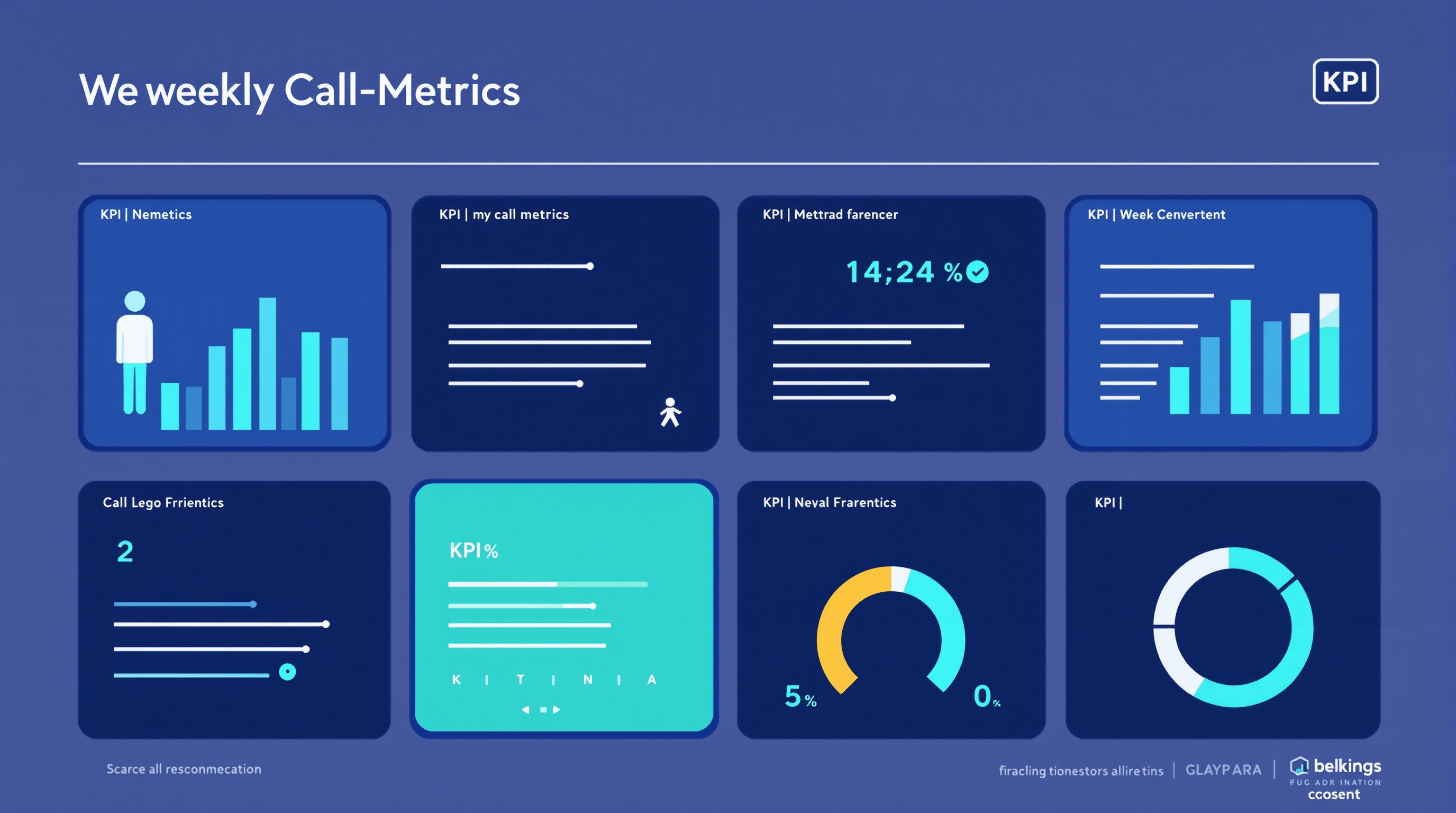
A simple one-page weekly dashboard of six AI voice agent metrics
After-hours and overflow capture
Now think about the calls that used to disappear. The ones at 7:12 p.m. The ones during a Monday rush when everyone was already tied up. The ones that landed in voicemail and never turned into anything.
This is where many businesses see the fastest return.
Measure how many after-hours calls and overflow calls were captured by the AI that previously would have been missed, delayed, or abandoned. That includes:
- Evening and weekend calls answered live
- Peak-period calls handled while staff were busy
- Leads captured instead of sent to voicemail
- Appointments booked outside the front desk schedule
For many SMEs, this is the hidden revenue bucket. A contractor in Calgary may recover quote requests after business hours. A clinic in Winnipeg may fill cancellations from callers who would otherwise have hung up. A service business in Moncton may simply stop losing overflow calls during short-staffed stretches.
If the AI is not improving capture here, you may be using it as a fancy voicemail replacement rather than an active front-line tool.
Cost per answered call
At some point, every owner asks the practical question: what is this costing me per call, and is that better than the alternatives?
Cost per call does not need to be perfect to be useful. A simple version is enough:
- Total monthly voice agent cost
- Divided by answered calls, or by successfully completed calls
Then compare that with your other options:
- Paying front-desk staff overtime
- Using an answering service
- Hiring additional reception coverage
- Losing calls and absorbing the missed revenue
Vendors commonly position human-handled calls in roughly the $5 to $15 range depending on staffing model, while AI-handled calls are often framed as under about $1 per call. Treat those as directional estimates, not universal truth. Your actual economics depend on call length, complexity, staffing, and what a booked job or saved lead is worth to your business.
The important thing is not chasing the lowest possible number. It is understanding whether the AI is lowering the cost of answering calls while maintaining useful outcomes.
The quality the numbers miss
A dashboard can look fine while callers are quietly getting annoyed.
That is why every owner should review a small sample of real calls every week. Not fifty. Just enough to catch patterns before they become expensive habits.
Listen for:
- Whether the agent sounds clear, calm, and on-brand
- Whether callers understand what is happening
- Whether the AI gets stuck asking the same question repeatedly
- Whether accents, background noise, or bilingual switching create problems
- Whether callers who sound frustrated are being transferred quickly enough
A one-question customer satisfaction check can help too. Something simple works: “Was this call helpful?” You do not need a long survey. You just need a quick signal.
Also watch for repeat callers within a few days. If the same person calls back because the first interaction did not solve anything, your reported containment may look better than the actual customer experience.
This is where trust and reliability matter. A voice agent can have strong headline numbers and still create friction if recognition is shaky or callers do not feel confident in the interaction. For more on that side of performance, see this article on AI voice agent reliability and trust for Canadian businesses.
What “good” actually looks like
Owners naturally want benchmarks. Fair enough. You want to know whether your numbers are healthy or whether something is off.
Use benchmark ranges carefully. They are useful as vendor and industry guidance, but they are not laws of physics. Your business model matters more than generic targets.
As a rough rule of thumb, vendors commonly cite:
- Call containment rate: around 50% to 70% for suitable call types
- First-call resolution: around 70% to 85%
- Forced escalation rate: ideally under about 10%
- Cost per call: often lower than human-only handling, sometimes significantly so
For definitions and common call-center measurement frameworks, this overview of call center metrics is a useful reference. For conversation-specific quality measures, this piece on measuring conversational AI is also worth reviewing.
Still, your own baseline matters more than any broad benchmark. If your missed-call rate drops sharply, your after-hours capture rises, and your booking rate improves, that may be a strong result even if your containment rate is lower than some vendor case study. A legal intake line, for example, may need more human escalation than a straightforward appointment-booking flow. That does not mean it is underperforming.
A Monday-morning dashboard a busy owner can actually keep
You do not need a business intelligence team. You need one page, updated weekly, that someone can pull in 15 to 20 minutes.
A practical dashboard for most Canadian SMEs includes six numbers:
- Total inbound calls
- Answer rate
- Booking or task completion rate
- Containment rate and forced escalations
- After-hours and overflow calls captured
- Cost per answered or completed call
Add two quick quality checks if possible:
- Number of repeat callers within 72 hours
- Simple CSAT result from post-call feedback
Who should pull it? Usually whoever already owns the phones, front desk, or operations admin. In a smaller company, that may be the office manager. In a growing business, it may be an ops lead or practice manager.
The owner’s job is not to build the report from scratch. The owner’s job is to review trends every Monday and ask three questions:
- What improved?
- What slipped?
- What needs tuning this week?
That rhythm is what keeps an AI receptionist useful after the launch excitement wears off.
Red flags that mean it’s time to tune the agent
Sometimes the numbers tell you the system needs attention before staff complain.
Watch for these warning signs:
- Rising forced escalations: the AI is failing more often and pushing avoidable work back to staff
- Falling booking rate: callers start the process but do not finish
- Fallback loops: the agent keeps asking people to repeat themselves or rephrase
- Repeat callers climbing: issues are not being resolved the first time
- After-hours capture flattening: calls are being answered but not converted into useful outcomes
- Staff saying “we keep fixing what the bot started”: not very scientific, but often accurate
When you spot these patterns, do not just blame the technology. Review transcripts, check call intents, tighten scripts, improve routing rules, and make sure escalation triggers are sensible. Small adjustments often solve a lot.
One caveat before you optimize
If the agent was scoped badly at the time of purchase, no dashboard will rescue it.
An AI voice agent configured for simple FAQ handling will struggle if you expect it to manage nuanced intake, complex scheduling, and complaint resolution without the right design. Likewise, if the vendor never clarified your call types, booking rules, bilingual needs, or handoff logic, you may be measuring a setup that was wrong from day one.
That is why vendor selection matters as much as reporting. If you are still evaluating providers, or wondering whether the current setup was designed properly, this guide to questions Canadian businesses should ask before buying an AI voice agent will help you pressure-test the basics.
Keep measuring, because performance is not static
The best operators treat this as an ongoing management habit, not a one-time audit. Calls change. Seasonal demand changes. Staff workflows change. Customer expectations definitely change. So the answer to how to measure AI voice agent performance is not “run a report once and move on.” It is to track a short list of meaningful numbers, listen to real calls, and tune the system as your business evolves.
When you do that, the question “is my AI receptionist working?” becomes much easier to answer. You will see it in answer rate, booking rate, call containment rate, after-hours recovery, and cost per call, backed by enough call quality review to catch what dashboards miss.
AgentiaVocal helps Canadian businesses run bilingual AI voice agents that do more than sound good on a demo. The goal is simple: a voice agent whose performance you can actually see, measure, and improve over time.