
The call that comes in when nobody is there
Picture this: it’s 8:17 p.m. in Calgary. A dental clinic is closed, the front desk went home hours ago, and a parent is calling because a child’s tooth cracked at hockey practice. The phone rings, then voicemail picks up. No one leaves a message. Two minutes later, that same caller taps the next clinic in Google and gets a live answer.
That scene plays out every day in Toronto, Vancouver, Ottawa, Winnipeg, Halifax, Moncton, and Victoria. Small businesses tend to think of missed calls as an office-hours problem, but a huge share of lost opportunities happens when the team is closed, on lunch, short-staffed, or simply buried. If you want a practical way to stop bleeding those calls, setting up an AI voice agent for after-hours calls is one of the lowest-friction fixes available right now.
What “after-hours” actually means for a Canadian small business
After-hours is not just 5 p.m. to 9 a.m. It includes evenings, overnight, weekends, statutory holidays, lunch breaks, staff meetings, snow days, sick days, and those ugly peak bursts when three callers land at once and one gets dumped into voicemail. For a plumbing company, after-hours might mean nights and weekends. For a law office, it may mean every call that arrives while reception is tied up. For a clinic, it could be the lunch rush and late afternoons when everyone calls to reschedule.
Then there’s the Canadian reality: six time zones. A business based in Ontario can be “closed” for Atlantic callers earlier than expected and still miss interest from British Columbia after local staff have left for the day. Add bilingual EN/FR expectations and a customer base that shops quickly, and your business is effectively unreachable for a surprising portion of the week. That is exactly where an AI voice agent for after-hours calls earns its keep.
What a missed call really costs in Canadian dollars
A missed call is rarely just a missed conversation. It is a missed estimate, a missed appointment, a missed intake, a missed repair, or a missed sale. If your average booked job is $180, one captured call a month may already cover the software. If your average new client is worth $800, $1,500, or more over time, the math gets even less forgiving.
The bigger problem is caller behaviour. Most people do not patiently leave voicemail and wait. They hang up, search again, and call the competitor who answered. That’s why comparing tools on labour alone misses the point. You are not just replacing reception tasks; you are recovering revenue that disappears when nobody picks up. If you’re weighing options, how a traditional answering service compares to an AI voice agent gives a useful side-by-side look at a traditional answering service versus an AI voice agent.
What an after-hours AI voice agent actually does
An after-hours AI voice agent answers instantly, 24/7, using your business name and a script tailored to your operation. It can greet callers, explain your hours, answer common questions, collect caller details, qualify leads, route urgent issues, and book real appointments into your calendar. For many small businesses, that covers 80 percent of what callers need when the office is closed.
It is not magic, and it should not pretend to be. The best setups are tightly scoped and practical. They handle common requests cleanly, escalate true emergencies according to your rules, and hand off anything nuanced to business hours. The market is moving fast because the experience is getting better; as one visible signal, Amazon Ring selected an AI voice platform over dozens of competitors and routes inbound calls through it, as reported by Amazon Ring picked an AI voice platform over 40 rivals. The key is to set clear boundaries and start with the calls you already lose.
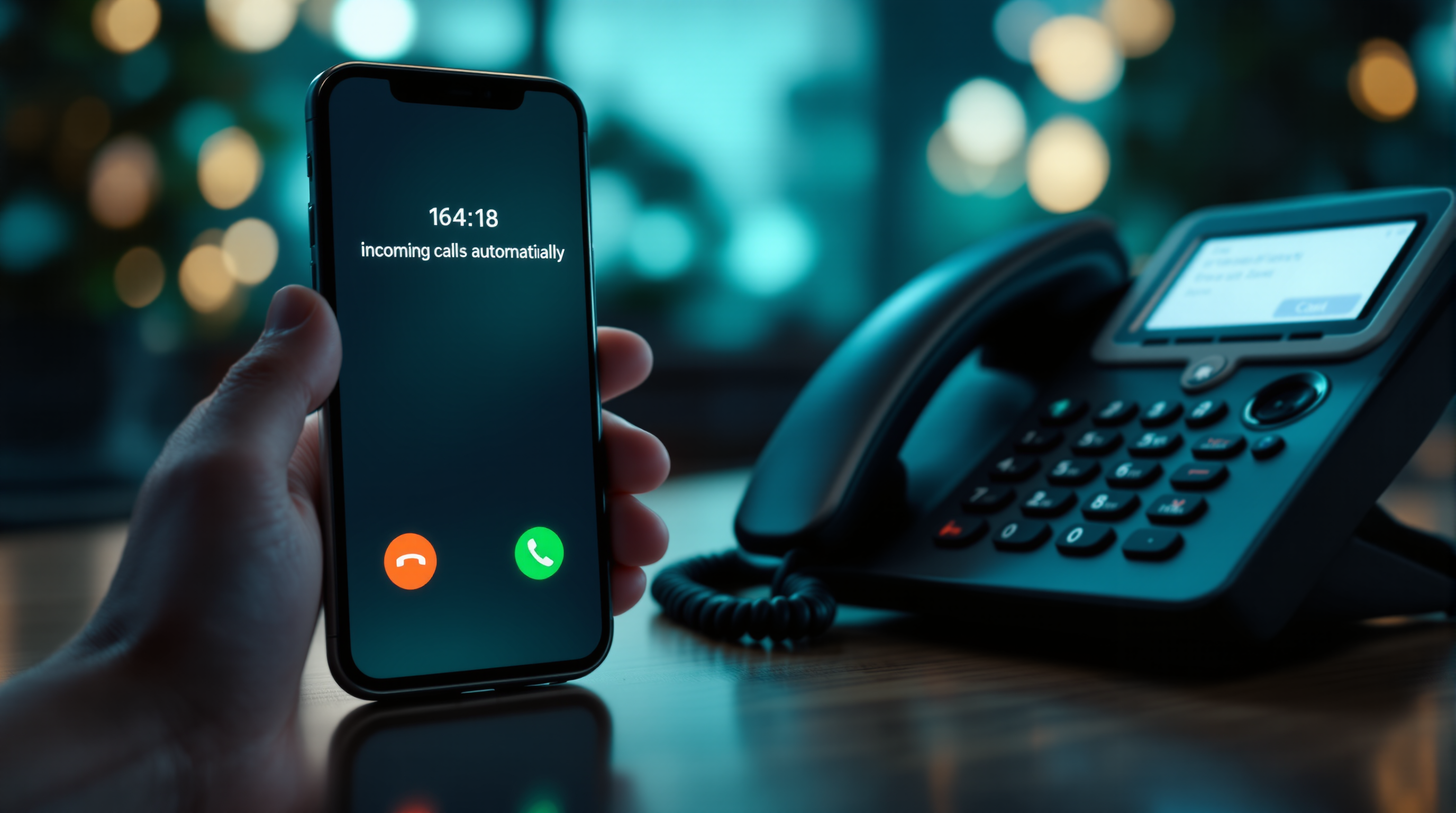
An after-hours call being answered automatically by an AI voice agent
Step 1: Point it only at the calls you already miss
Start small. Do not route every call through the new system on day one unless you have a very simple operation and a strong reason. The safest on-ramp is to send only the calls that already fail today: calls after closing time, calls on weekends, calls during lunch, calls when the line is busy, or calls that go unanswered after a set number of rings.
This approach lowers risk because you are not disrupting the calls your staff already handles well. In practice, your phone provider or VoIP system can usually forward by schedule, by busy status, or after no answer. A common setup is simple: ring the front desk for 15 to 20 seconds during business hours, then forward to the AI; outside business hours, send calls directly to the AI. You can usually stand up the basics in roughly one to three hours once forwarding, scripting, a small knowledge base, and one calendar connection are ready.
Step 2: Write a short greeting and a script that sounds like your business
This is where many businesses overcomplicate things. Keep the greeting short, clear, and branded. A strong example sounds like this: “Thanks for calling North Shore Physio. We’re currently closed, but I can help you book an appointment, answer common questions, or take your details for a callback.” That one sentence does three jobs at once: it confirms the business name, states the situation, and tells the caller what happens next.
After that, build the script around the top reasons people call after hours. Think appointment booking, pricing basics, service areas, insurance questions, emergency triage, and callback requests. Use plain language, not policy jargon. If your brand is warm and neighbourly, let it sound that way. If you run a professional practice, keep it calm and direct. The goal is not to make the system chatty; it is to make it useful. A good script also sets expectations, such as when a human will call back and what issues cannot be resolved until business hours.
Step 3: Connect your real calendar so it can book real slots
If the agent cannot book into your actual schedule, you leave too much value on the table. After-hours callers often want one thing: a confirmed next step. Connect the voice agent to the calendar your team already uses, whether that is Google Calendar, Outlook, or the scheduler inside your CRM, clinic software, or field-service platform. Then define which appointment types are allowed after hours, how much buffer you need, and which staff calendars are eligible.
This is also where you add practical guardrails. Do not let the system book everything for everyone. Start with a narrow slice, such as consultations, estimates, discovery calls, or standard appointments. Block off same-day edge cases if your operation cannot support them. Add confirmation language and make sure the business receives an internal notification by email or text. The caller should leave the interaction knowing they are actually on the schedule, not waiting in a vague callback queue.
Step 4: Define urgent keywords, triage rules, and handoff paths
Not every after-hours call should be treated equally. A veterinary clinic, HVAC company, legal practice, restoration contractor, or medical office may need a clear distinction between routine requests and urgent cases. Start by listing the words and situations that trigger triage: “no heat,” “burst pipe,” “locked out,” “severe pain,” “injury,” “flood,” “can’t breathe,” and so on. Then decide what the agent should do when it hears them.
Your options usually include collecting details for priority callback, live-transferring to an on-call number, or directing the caller to emergency services when appropriate. Be explicit. If your team never wants overnight live transfers, say so. If weekends should go to a rotating technician, build that rule. If there are legal or safety limits on what can be said, script them. The point is not to make the agent guess. It should follow your playbook consistently, every time, especially when the stakes are high.
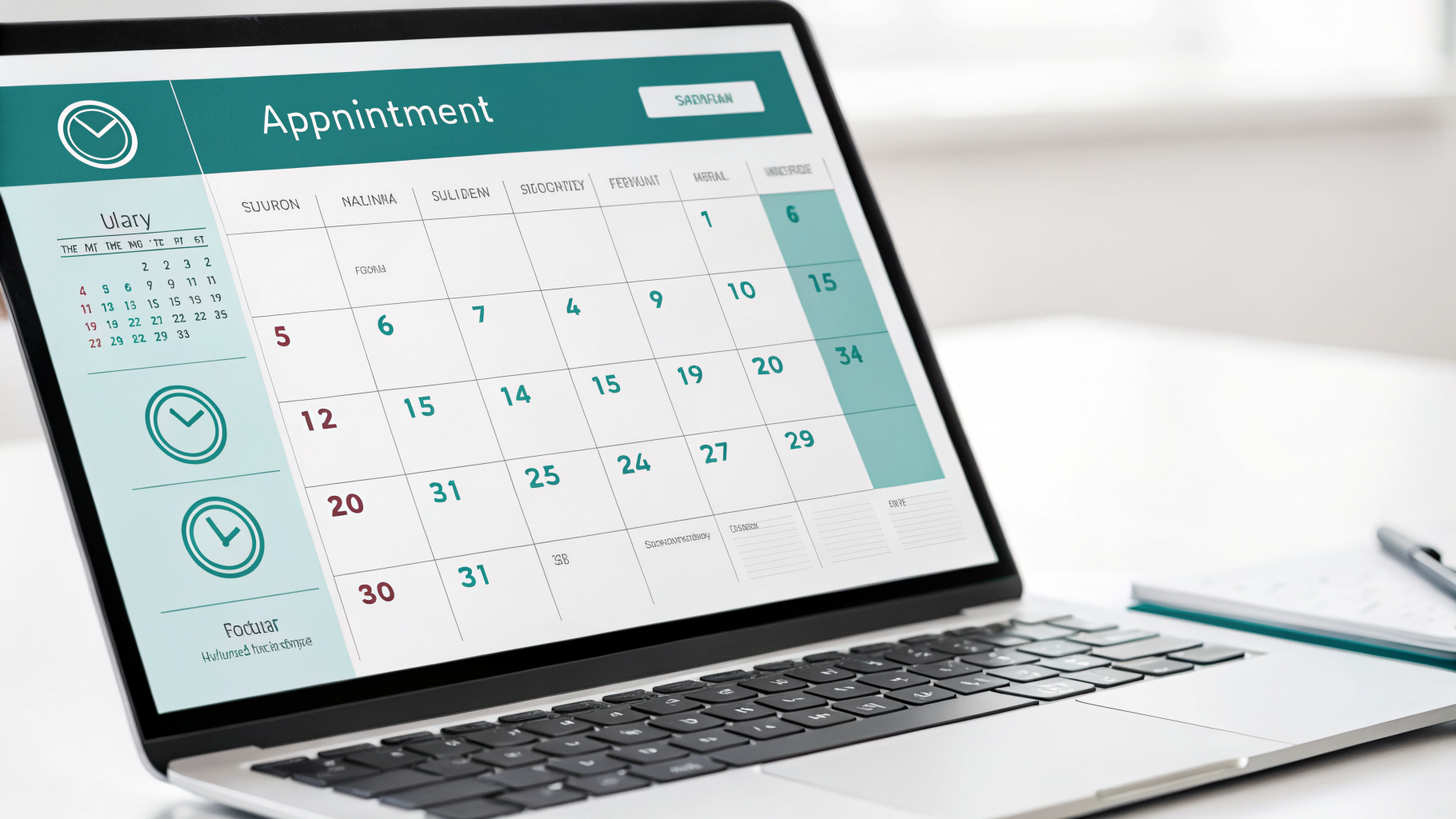
An AI voice agent booking an appointment slot in real time on a connected calendar
Step 5: Handle bilingual service and privacy before you go live
Across Canada, bilingual service matters more than many businesses admit. Even outside Quebec, callers may prefer French, and in Ottawa, Moncton, parts of Northern Ontario, and national service businesses, offering both English and French can be a quiet competitive edge. At minimum, decide whether the agent should greet in English first, offer a language choice, or detect and continue in the caller’s language. Make sure the French version is natural, not stiff or machine-translated.
Privacy and compliance should be addressed up front, not after launch. If the agent collects names, phone numbers, appointment details, or service requests, you need clear handling practices aligned with federal privacy expectations under PIPEDA. If you send outbound appointment reminders or follow-up texts, those flows should also respect Canada’s anti-spam framework under Canada’s anti-spam legislation (CASL). Businesses often overestimate the complexity here; the real task is to define what data is collected, where it lives, who can access it, and how callers can ask questions. If you want the plain-English version, the data-privacy questions worth asking first covers the common concerns.
What to expect in the first four weeks, and what it usually costs
Be realistic. The first goal is not perfection; it is capture. For the first four weeks, track how many after-hours calls were answered, how many became booked appointments, how many were qualified leads, how many required human follow-up, and how many triggered urgent routing. Listen to call recordings or transcripts, spot the repeat questions, and tighten the script. Most businesses see obvious patterns within days. By week two, you usually know which phrases are confusing callers and which booking rules need adjustment.
On cost, many Canadian small businesses can start in the range of roughly $49 to $199 per month CAD, depending on call volume, features, and setup depth. That is why break-even tends to be low. One or two recovered bookings can justify the spend. If you want a grounded sense of pricing, what an AI voice agent costs in Canada is a useful reference point. The bigger question is not whether the software is cheaper than staff. It is whether you can afford to keep missing the calls that arrive when nobody is free to answer.
FAQ
Can an AI voice agent handle all of my calls? It can handle a large share of routine after-hours traffic, but it should not replace human judgment for every situation. The smartest rollout is to start with evenings, weekends, lunch coverage, and overflow, then expand only if performance is strong.
Will callers get frustrated if they realize it is AI? Usually not, if the experience is fast, clear, and useful. People care more about getting help than about the label. Frustration tends to come from rambling scripts, bad routing, or fake promises, not from the technology itself.
How long does setup take for a small business? In many cases, the first working version can be live in one to three hours once call forwarding is available, the script is approved, your key FAQs are documented, and one calendar or booking tool is connected.
Set up the calls you’re already losing
Here’s the blunt version: the easiest calls to recover are the ones you already miss. You do not need a massive phone overhaul, a months-long project, or a perfect AI strategy. You need a clean after-hours workflow that answers fast, books what can be booked, escalates what is urgent, and hands the rest back to your team during business hours.
If you want to see what that looks like for your business, use hear it live with a 15-minute demo to request a live demo. We’ll show you how an after-hours AI voice agent can be scoped around your real call patterns, your hours, your bilingual needs, and the outcomes that actually matter: more answered calls, more booked appointments, and fewer opportunities leaking to the next business that picks up.